
![[MODEL 1]](/img/products/box-1.svg)
![[MODEL 2]](/img/products/box-2.svg)
![[MODEL 3]](/img/products/box-3.svg)
![[MODEL 4]](/img/products/box-4.svg)
[PRODUCT NEWS HEADLINE]
[ONE LINE SUMMARY]
LiveSTB designs and manufactures [OS] set-top boxes, and the middleware operators use to run IPTV and OTT services under their own brand.
[NUMBER] models on one platform. Every box ships with LiveSTB Middleware and can carry your brand from the factory.
| Feature | [MODEL 1] | [MODEL 2] | [MODEL 3] | [MODEL 4] |
|---|---|---|---|---|
| Operating system | [OPERATING SYSTEM] | [OPERATING SYSTEM] | [OPERATING SYSTEM] | [OPERATING SYSTEM] |
| Video | [VIDEO] | [VIDEO] | [VIDEO] | [VIDEO] |
| Broadcast tuner | [BROADCAST TUNER] | [BROADCAST TUNER] | [BROADCAST TUNER] | [BROADCAST TUNER] |
| Network | [NETWORK] | [NETWORK] | [NETWORK] | [NETWORK] |
| Recording | [RECORDING] | [RECORDING] | [RECORDING] | [RECORDING] |
| Best for | [BEST FOR] | [BEST FOR] | [BEST FOR] | [BEST FOR] |
Subscribers with a MAG, TVIP or BuzzTV box can keep it. You add the box to their account, they type your portal address into its settings, and your channels load.
The platform behind every LiveSTB box. Your team manages subscribers, packages, channels, the programme guide, VOD and every device from one browser tab. We host it, and hosting on your own servers is coming soon.
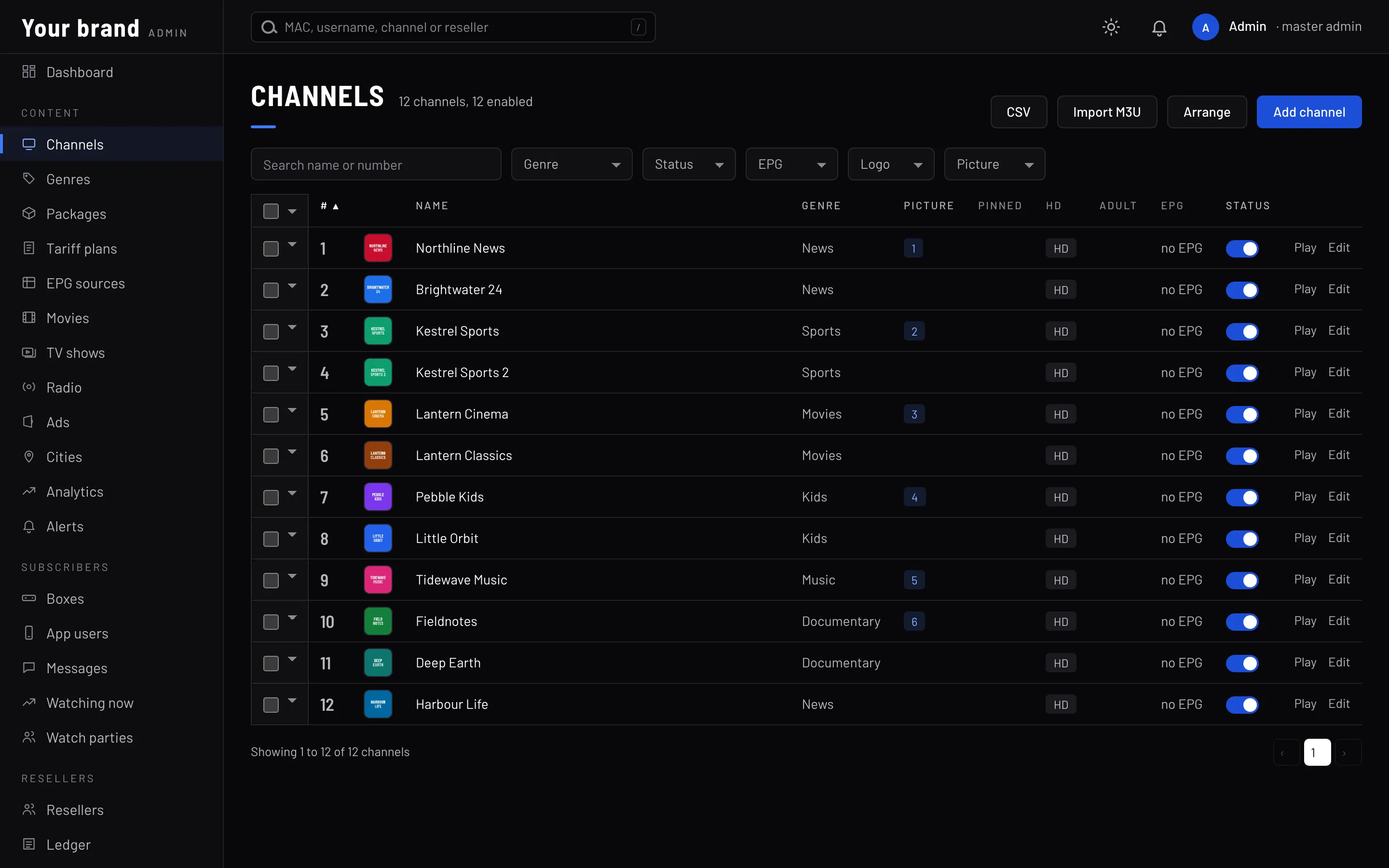
Accounts, trials and renewals. Bundle channels, films, series and radio into plans. Connecting your own billing over an API is coming soon.
Channels with logos and numbers, and a guide imported from XMLTV. Viewers can pause live TV for up to 25 seconds. Multicast and catch-up are coming soon.
One library of films and series in the TV client, with a parental PIN. Android TV, Roku, smart TV, phone and web apps are coming soon.
Every box by MAC. Reboot or reload a box, or send it a message, from the panel. Staged firmware rollouts are coming soon.
Brand name, logo, start-up video and theme colour, set in one screen. Launcher themes, app icons and TV banners are coming soon.
Audience, channel, radio, ads and problem reports, with CSV exports. A documented REST API and webhooks are coming soon.
Resellers sign in to a panel of their own and pay with prepaid credits: one credit buys a month for one box or app user. They activate boxes by MAC, give trials and extend accounts, and they can have resellers of their own and pass credits down to them.
Each operator gets a portal of its own, with its own channels, users, brand and web addresses for the admin panel, the reseller panel and the TV. Nothing the portal serves mentions livestb, and Movies, TV shows or Radio can be switched off for a portal.
Run video ads before and during channels, films and episodes, and on the Home screen. Target them by channel, by title or by the city a box is registered in, and check which channels and titles get watched most before you pick.
When a channel fails on viewers' boxes, an alert comes into the admin panel with a desktop notification, and it closes itself once the channel plays again. Viewers can press Report a problem, and the box works out what looks wrong, such as a stalled stream or a muted TV.
When a subscription runs out, the TV shows the reseller's payment link as a QR code, with their support number. Three days before the end, it shows a reminder.
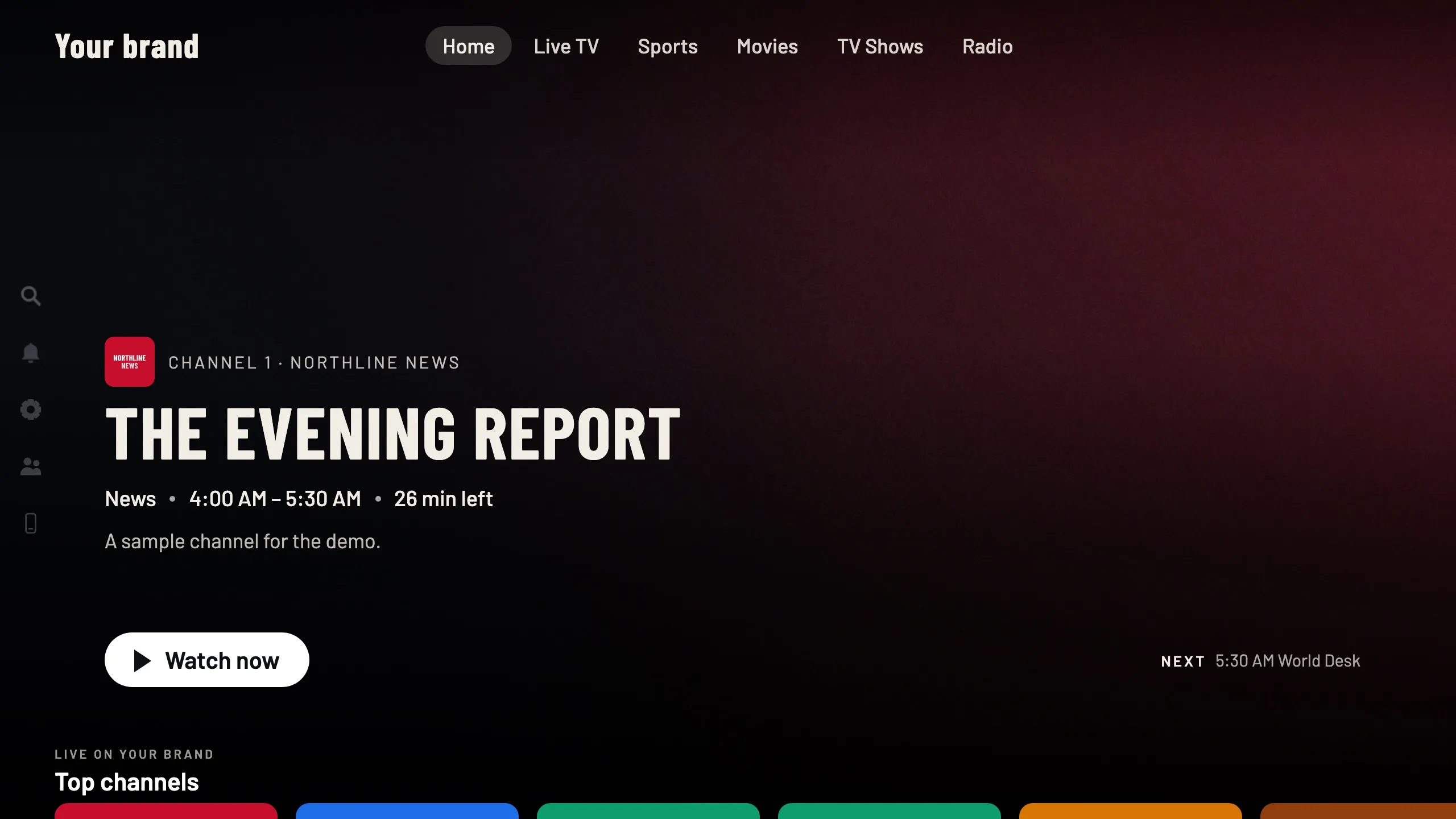
Start a party on a film, an episode or a live sports channel and the TV shows a six-digit code. Friends type it on their own boxes, up to 8 in all, and every box plays in step. When anyone pauses or skips, it happens on every TV, and people can send reactions or chat from their phones.
The TV shows a QR code. Scan it and the phone becomes the remote, with arrows, OK, Back, Home and shortcuts to each part of the service, and it can type into Search. Two phones can pair with one box, and there is no app to install.
A Sports page lists live games by league with their scores, and shows which of your channels is showing each one.
Radio stations in categories, with favourites. A station keeps playing while the viewer moves to other screens, until a channel or a film starts.
Boxes can leave the factory with your logo on the lid and remote. Your logo, start-up video and colours come from your admin panel, and boxes pick up a change on their own.
Launch a branded TV service with boxes and middleware from one supplier, and one contract for support. Apps are coming soon.
Learn moreAdd TV to your broadband bundles and manage it alongside your network. Multicast is coming soon.
Learn moreWelcome screens, channel lists per room or building, and boxes that reset between guests.
Learn moreWholesale pricing and white-label boxes. A partner portal for ordering, firmware and marketing material is coming soon.
Learn more[ONE LINE SUMMARY]
[ONE LINE SUMMARY]
See the full line-up and the operator portal running live. Book a slot with our team.
Tell us about your network and subscribers. We'll come back with hardware options, a middleware demo and pricing.